
Pulse Fitness: TRAKK App
The TRAKK by Pulse Fitness app is a smart fitness companion designed to help you track workouts, monitor progress, and stay motivated throughout your fitness journey. The app connects directly with Pulse Fitness gym equipment and allows members to record and review their activity both inside and outside the gym.
Whether you are new to exercise or an experienced gym user, TRAKK provides the tools you need to stay organised, set goals, and measure your results.
What the App Does
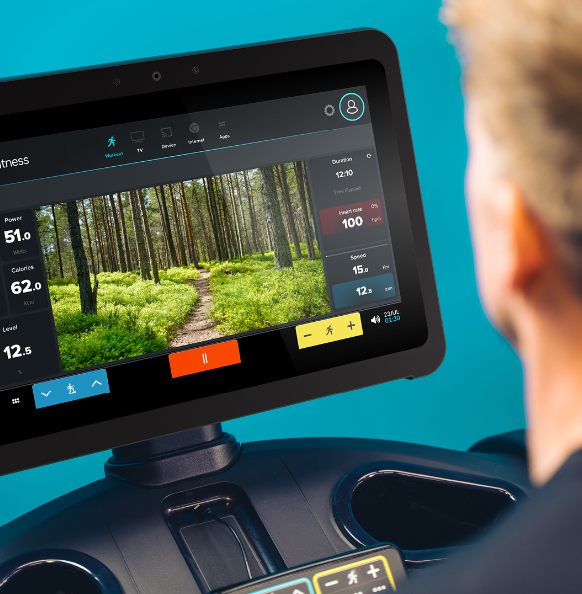
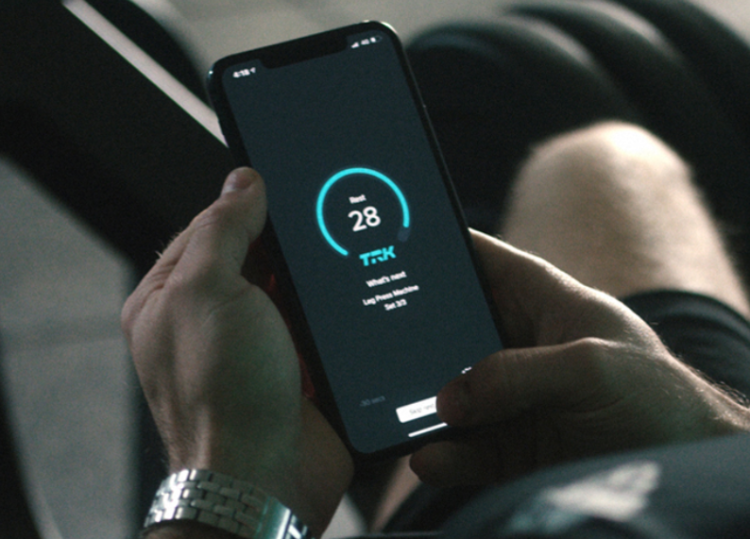
TRAKK automatically records your workout data when using compatible Pulse Fitness equipment, giving you detailed information about your training. The app can track metrics such as distance, speed, calories burned, heart rate, and the weight you lift during strength training.
You can also log activities completed outside the gym, including walking, running, cycling, swimming, and fitness classes. This ensures that all your activity is stored in one place so you can see your overall progress over time.
In addition, trainers can create personalised workout programmes through the system, allowing members to follow structured sessions and achieve their fitness goals more effectively.
Benefits of Using the TRAKK App
Using the TRAKK app can provide several benefits to support your fitness journey:
Track Progress Easily
All your workout results are stored in one place, helping you monitor improvements and stay motivated.
Set Personal Goals
You can set targets for workouts, distance, calories, or strength to keep you focused on your objectives.
Personalised Training Plans
Fitness instructors can create tailored programmes designed specifically for your fitness level and goals.
Workout Anywhere
The app allows you to log activities completed both in the gym and outdoors, giving you a complete picture of your fitness routine.
Stay Motivated
By viewing your results and progress regularly, the app helps keep you accountable and consistent with your training.
How to Download the App
Getting started with TRAKK is simple
- Visit the app store or Google play store on your smartphone
- Search for ‘TRAKK’
- Download and install the app
- Sign up using the email address linked to your membership
- Contact reception for the site code to link to your account to Dulwich College Sports Club
- Log in and start tracking your workouts
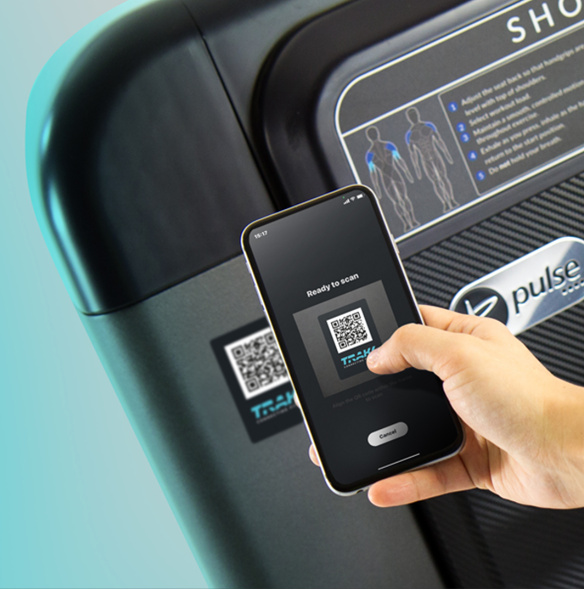
Connect with compatible gym equipment or manually record your activities to begin building your fitness profile.